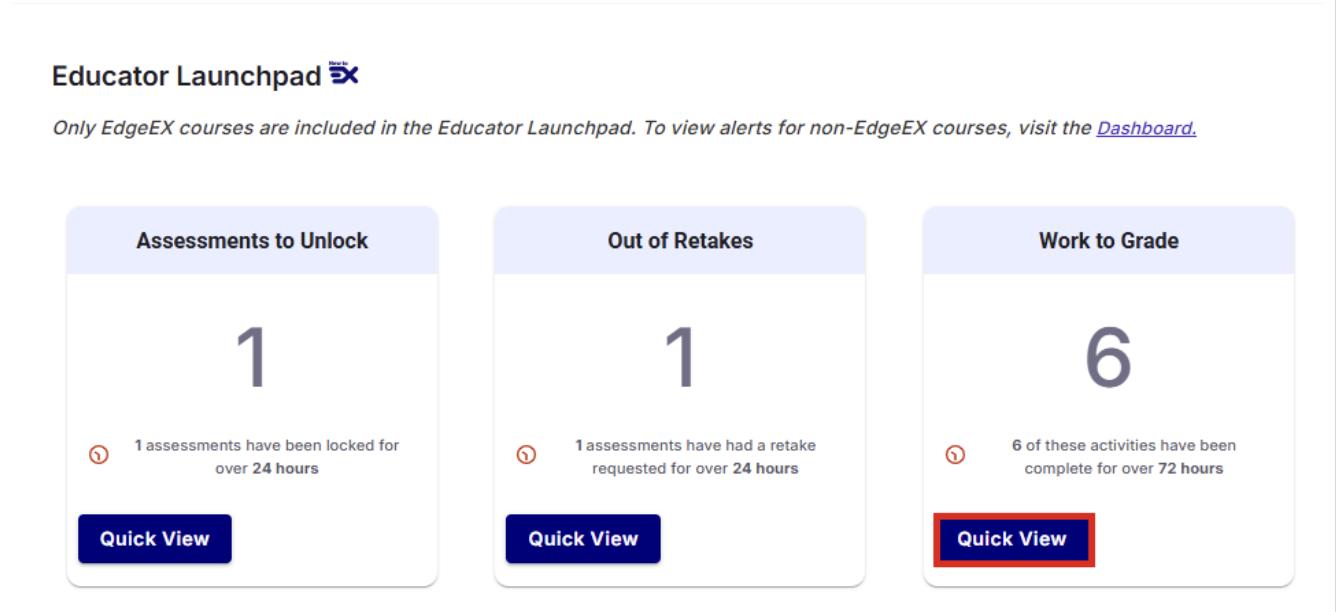
Grading multiple submissions is now more efficient in Imagine EdgeEX. Educators can select several submissions from the Work to Grade queue and grade them sequentially in one focused view. Previous and next navigation makes it easy to move between submissions without returning to the Launchpad, reducing clicks and simplifying the grading workflow.