Bypass an Activity in Imagine EdgeEX

August 2024
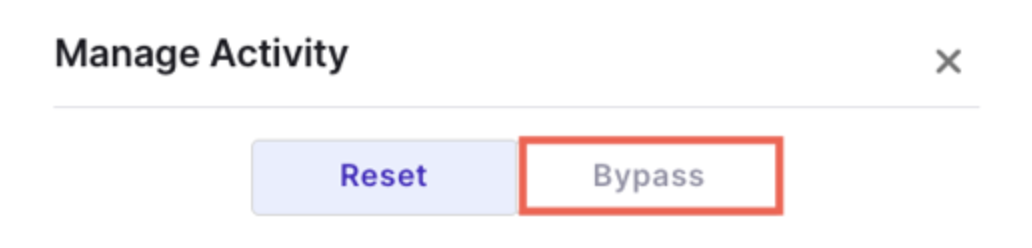
Bypassing an Activity
Educators in Imagine EdgeEX can now bypass an activity so a student can temporarily skip it and continue in the course.
August 2024
Educators in Imagine EdgeEX can now bypass an activity so a student can temporarily skip it and continue in the course.
August 2024
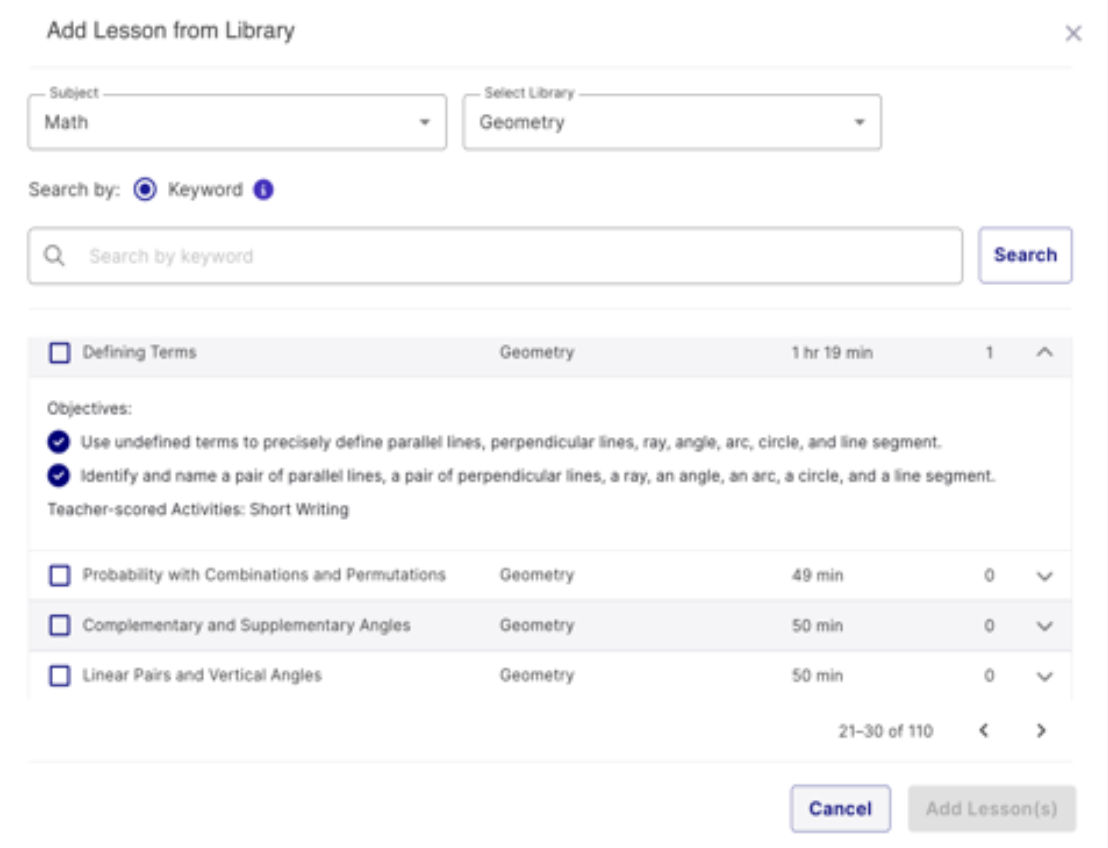
Educators in Imagine EdgeEX can now add lessons to a course, section, or enrollment even if a course is in flight, giving them unprecedented flexibility to customize course content to meet their students’ needs.
August 2024
August 2024
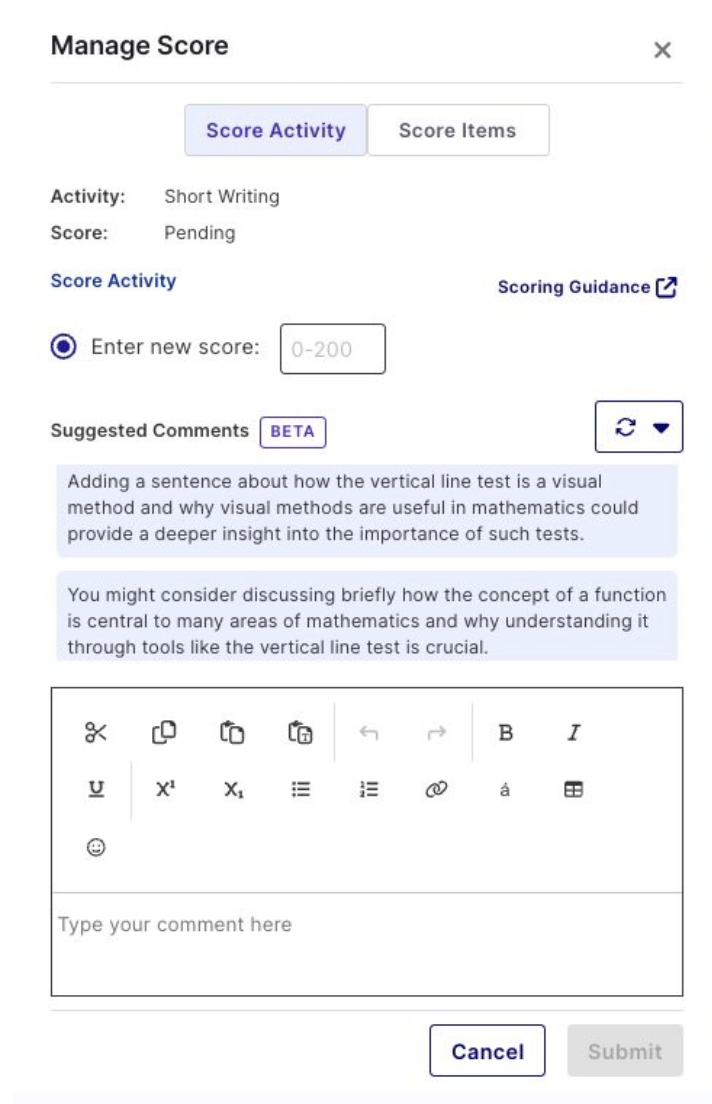
Save valuable time with the Grading Assistant
Available in beta, the new Imagine EdgeEX Grading Assistant helps make teachers’ lives a little bit easier by allowing them to view AI-suggested comments when scoring Short Writing activities in the four core subject areas. Learn more in the Help Center.

August 2024
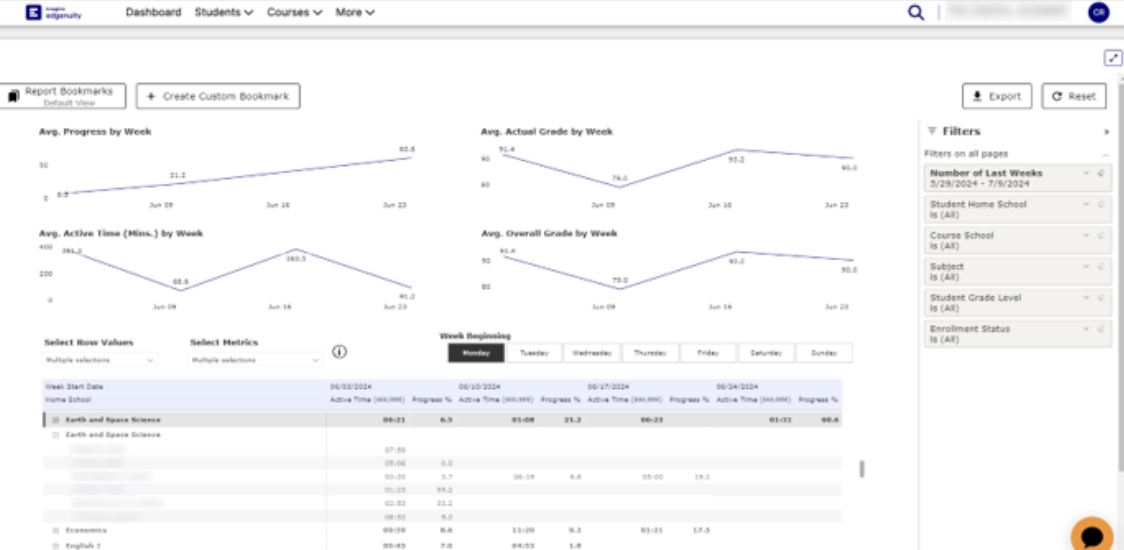
Use it to monitor whether students are:
August 2024
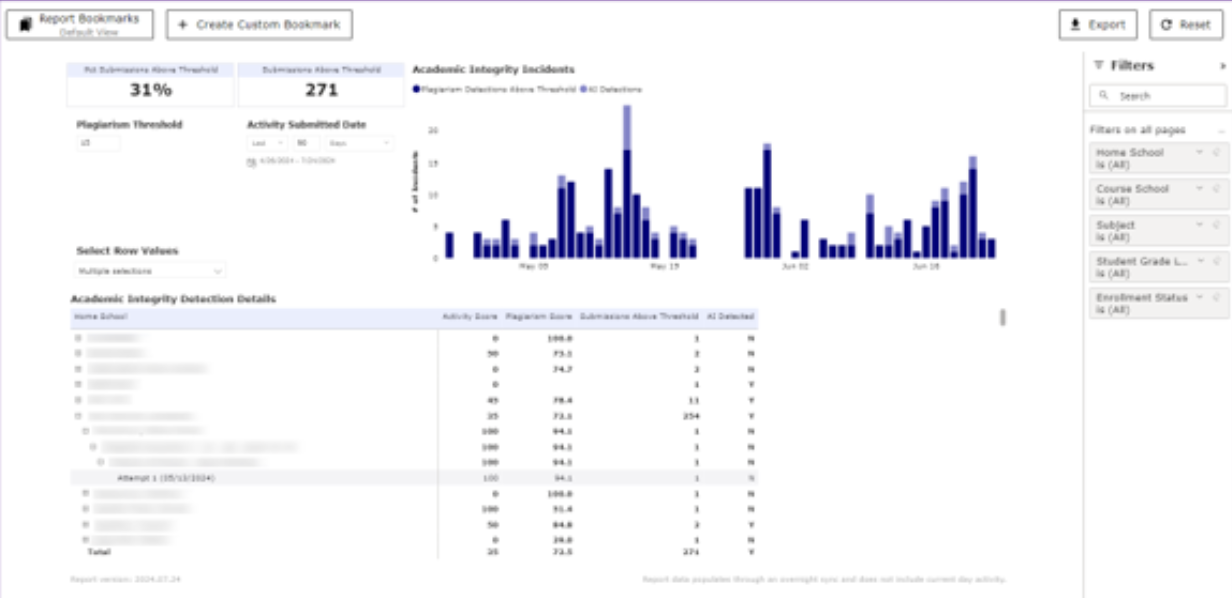
The brand-new Academic Integrity Report counts instances of academic integrity violations per student, per day, with drill-down to courses and attempts. Reported violations include plagiarism, use of artificial intelligence, and our Speed Radar. This report is available for customers with the Academic Integrity add-on license.
June 2024
Imagine EdgeEX Attendance and Session Logs are now available.
May 2024
Educators can now give untimed assessments and reduce the number of questions in assessments. These settings are accessible from the student profile and apply to all Imagine EdgeEX courses.
April, 2024
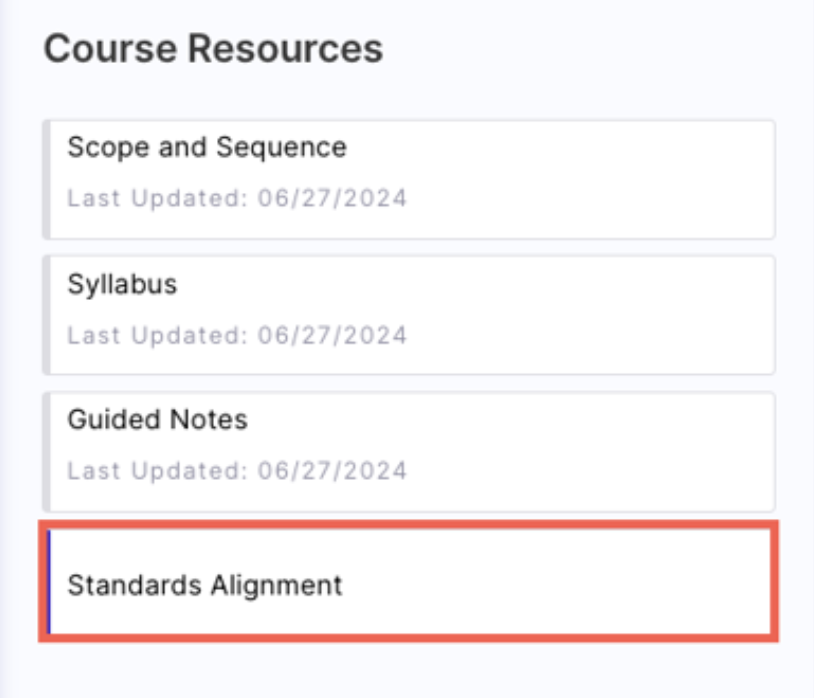
Educators and students in Imagine EdgeEX can view standards covered in lessons. This update allows teachers to understand what skills are covered in the lessons and gives students deeper insight into the objectives of their lessons.
Students can now view a new Progress Overview page from their Course Map. This page provides students with detailed information about their course progress in an easy-to-understand way.
Answer Explanations are now available for math assessments. These explanations are available to students after they have completed an assessment attempt and to teachers via the “Show Answers” toggle.
April, 2024
Educators with the Academic Integrity add-on can now see Speed Radar violations on student activities. This feature is a part of our commitment to identifying potential academic dishonesty by alerting teachers when students complete activities unexpectedly quickly.
IP Registry for Students is now available in Imagine EdgeEX. These settings restrict students from accessing course content based on district-configured rules. Any current settings will now apply to Imagine EdgeEX.